
Acer USB Type-C Docking Station D501 USB 3.2 Gen 1 (3.1 Gen 1) Type-C Grey
Product code:
GP.DCK11.00F
Brand:
Acer
Product name:
USB Type-C Docking Station D501
GTIN (EAN/UPC):
4710886357605
Bullet Points Acer USB Type-C Docking Station D501 USB 3.2 Gen 1 (3.1 Gen 1) Type-C Grey:
- Docking
- Host interface: USB 3.2 Gen 1 (3.1 Gen 1) Type-C
- Ethernet LAN 1000 Mbit/s
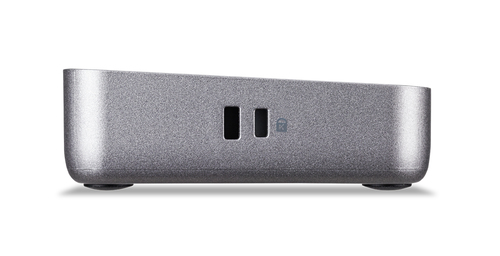
- Cable lock slot
Long product name Acer USB Type-C Docking Station D501 USB 3.2 Gen 1 (3.1 Gen 1) Type-C Grey:
USB Type-C Docking Station D501
Acer USB Type-C Docking Station D501 USB 3.2 Gen 1 (3.1 Gen 1) Type-C Grey:
The Acer USB Type-C Dock is certified by Works With Chromebook to ensure it will work with your Chromebook seamlessly. The easily upgraded firmware allows for maximum compatibility while the many USB and HDMI ports let you set up an extremely efficient triple display work space while in the office or at home.
Peace of Mind
Certified by Works With Chromebook. This product has been certified by Acer to meet Google‘s compatibility standards. This dock will work with your Chromebook seamlessly and help you get the most from your Chromebook[1].
Future Proof
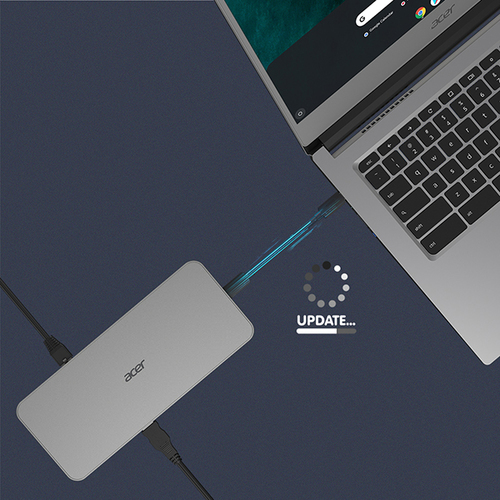
The firmware on this dock can be updated while the device is connected to a Chromebook, ensuring maximum compatibility with the peripherals of today and tomorrow.
Even More Displays
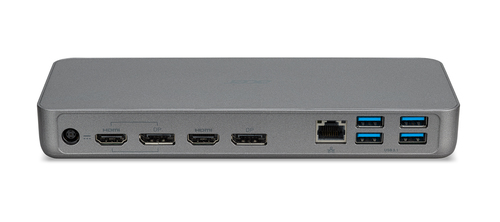
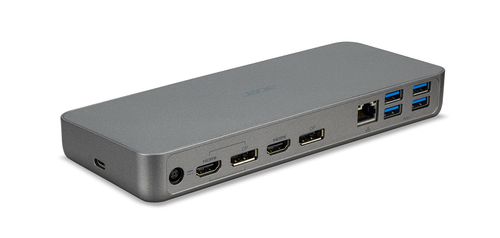
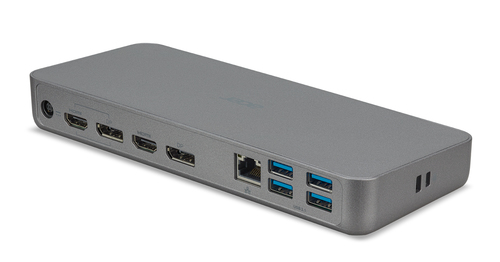
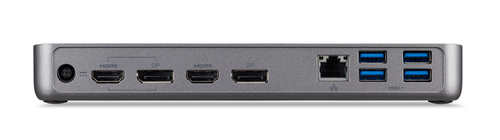
This versatile dock allows you to simultaneously connect up to three[2,3] monitors to a Chromebook through the HDMI and DisplayPort outputs on the dock, giving you the ability to easily extend or mirror your content.
Universal USB-C Dock
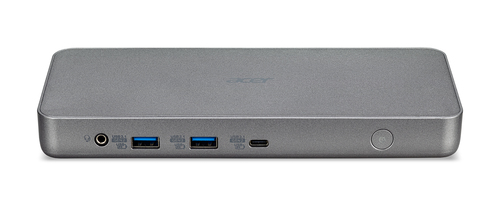
Charge your Chromebook, transfer data, extend your display, and enable peripherals such as speakers or Gigabit Ethernet with just single USB-C cable. The docking station’s USB-C Power Delivery can charge your laptop with up to 60W of power through the USB-C connection.
Gigabit Ethernet & USB Expansion
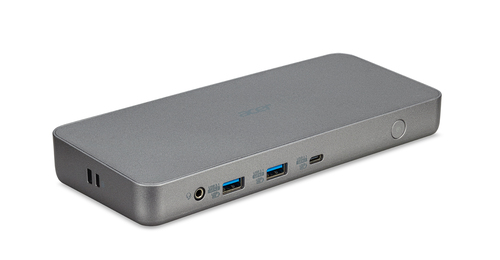
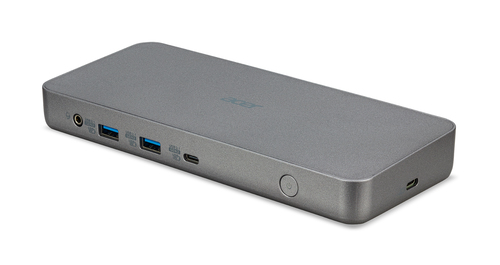
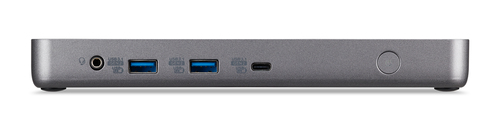
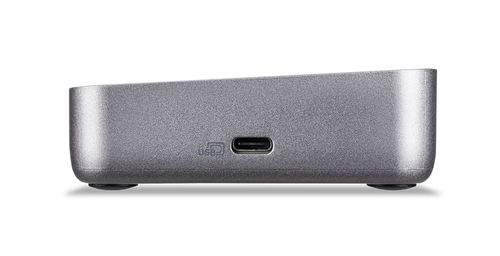
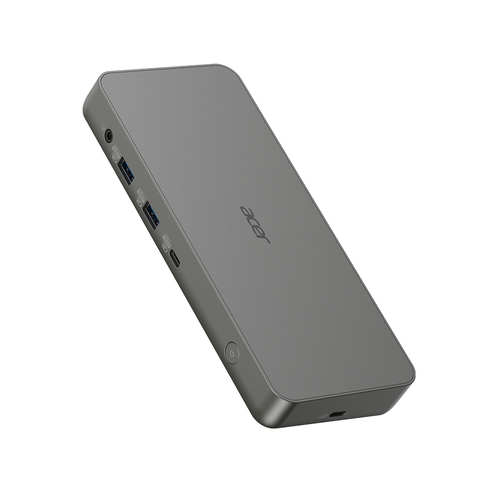
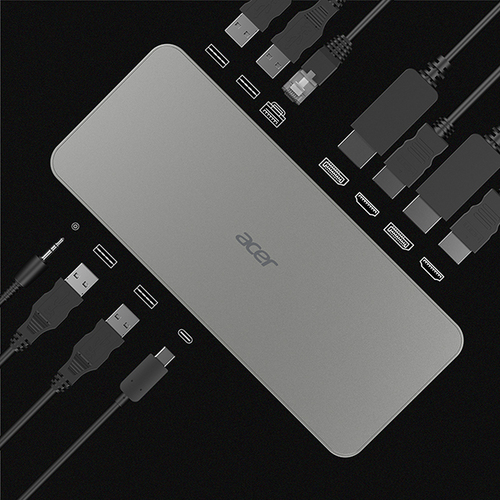
Easily connect to wired networks with the dock’s Gigabit Ethernet port, while the dock’s six USB ports (4 x USB 3.1 Gen 1 Type-A, 2 x USB 3.1 Gen 2 Type-A) are perfect for connecting all your additional peripherals such as mice, keyboards, hard drives, printers, and more. The dock also features a dedicated USB-C port for additional storage devices.
Peace of Mind
Certified by Works With Chromebook. This product has been certified by Acer to meet Google‘s compatibility standards. This dock will work with your Chromebook seamlessly and help you get the most from your Chromebook[1].
Future Proof
The firmware on this dock can be updated while the device is connected to a Chromebook, ensuring maximum compatibility with the peripherals of today and tomorrow.
Even More Displays
This versatile dock allows you to simultaneously connect up to three[2,3] monitors to a Chromebook through the HDMI and DisplayPort outputs on the dock, giving you the ability to easily extend or mirror your content.
Universal USB-C Dock
Charge your Chromebook, transfer data, extend your display, and enable peripherals such as speakers or Gigabit Ethernet with just single USB-C cable. The docking station’s USB-C Power Delivery can charge your laptop with up to 60W of power through the USB-C connection.
Gigabit Ethernet & USB Expansion
Easily connect to wired networks with the dock’s Gigabit Ethernet port, while the dock’s six USB ports (4 x USB 3.1 Gen 1 Type-A, 2 x USB 3.1 Gen 2 Type-A) are perfect for connecting all your additional peripherals such as mice, keyboards, hard drives, printers, and more. The dock also features a dedicated USB-C port for additional storage devices.
Disclaimer Acer USB Type-C Docking Station D501 USB 3.2 Gen 1 (3.1 Gen 1) Type-C Grey $GP.DCK11.00F:
[1] Accessory - Acer USB Type-C Dock D501 - 01
[2] Number of supported displays may be limited based on Chromebook and/or laptop specifications.
[3] Primary display resolution capped at 4K @ 30Hz, secondary display resolution capped at WQHD @ 60Hz.
[2] Number of supported displays may be limited based on Chromebook and/or laptop specifications.
[3] Primary display resolution capped at 4K @ 30Hz, secondary display resolution capped at WQHD @ 60Hz.